continuation of Linux Commands
day03#90daysofdevops#trainwithshubham
In this blog, we are going to learn about Linux commands used in day-to-day activities.
cat:- This command is used to display files on the terminal. It can also be used to modify the existing ones.
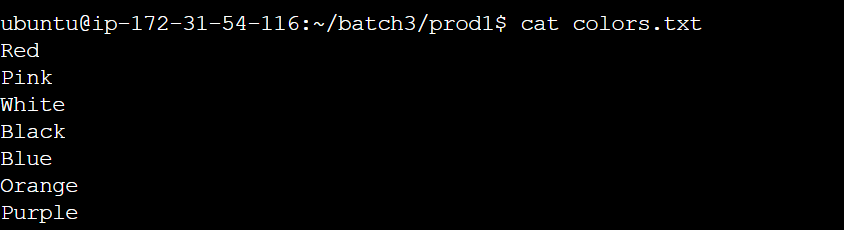
cat -b: This adds line numbers to non-blank lines.
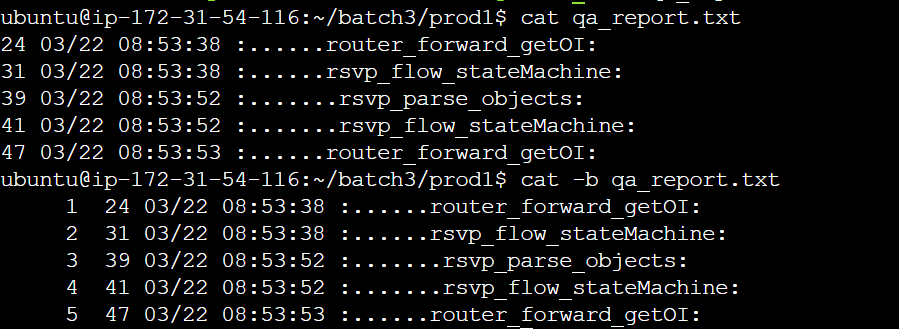
cat -n: This adds line numbers to all lines.


cat -s: This squeezes blank lines into one line
cat –E: This shows $ at the end of the line

chmod:- command is used to change the permissions of the files.

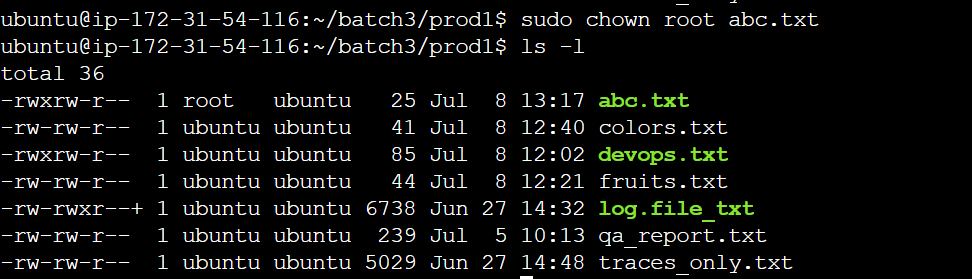
chown:- This command is used to change the file Owner or group.
here, the ownership of 'abc.txt' is changed to 'root'.
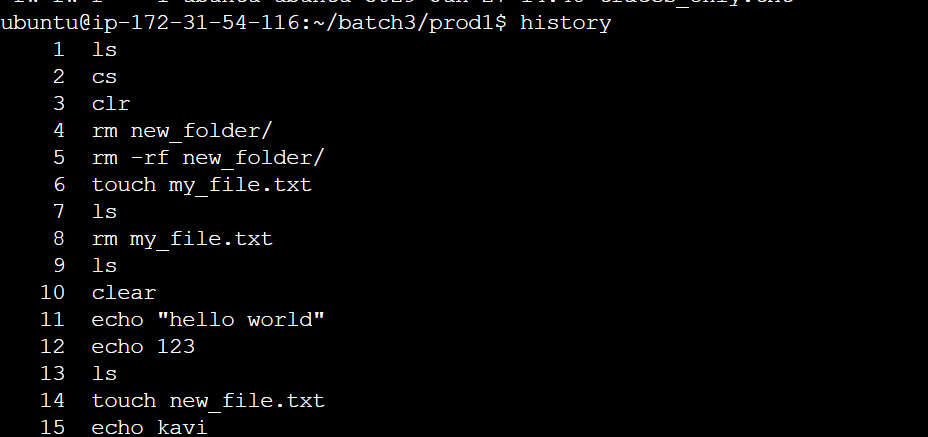
History - This command is used to check which commands you have run till now.
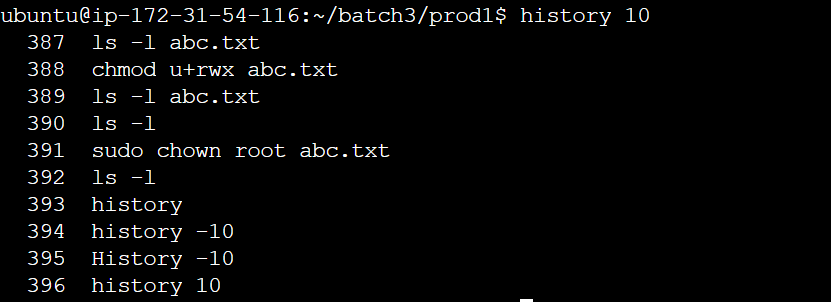
History 10:- will give you the last 10 executed commands.
rm - To remove a directory/ Folder

touch - To create a file.

vim editor is used to add contents to the file.
Modes used in VIM:Normal mode: This is the default mode in which vim starts. In normal mode, you can use various commands to navigate and edit the text.
Insert mode: In insert mode, you can type text into the file. To enter insert mode, press the "i" key. To exit insert mode and return to normal mode, press the "Esc" key.
Command mode: In command mode, you can enter commands to perform various actions, such as saving the file or quitting vim. To enter command mode, press the ":" key.(:wq is the command for saving and quitting vim)
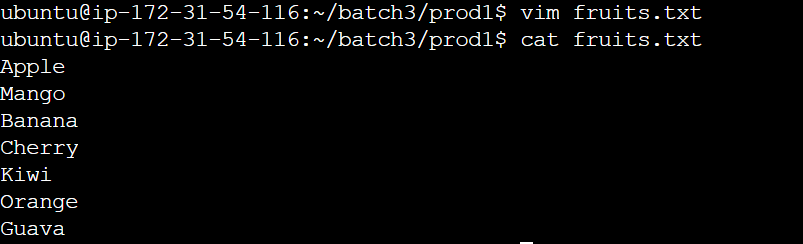
head - this command prints the first N number of data of the given input. We can also specify the number of lines that we need to print.

tail - this command prints the last N number of data of the given input. We can also specify the number of lines that we need to print.

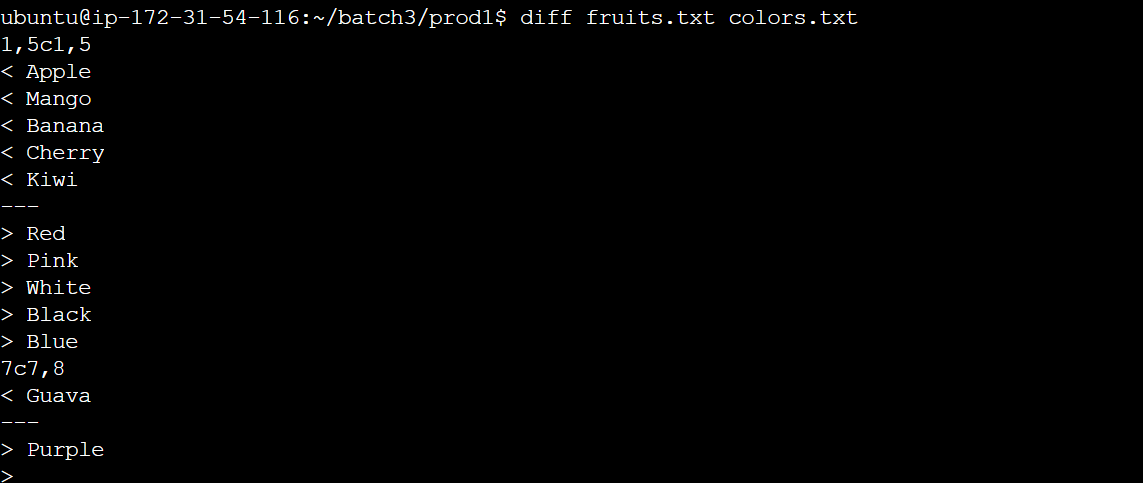
diff - This command is used to find the difference between two files.