Advance Git & GitHub for DevOps Engineers: Part-2
Git Stash:
Git stash is a very powerful feature that allows you to save your work in progress without committing the changes to the repository.
It acts like a temporary storage area for the changes that are not ready to be committed yet.
The git stash command is helpful in situations where you have made some changes in your working directory but are not ready to commit them because you want to switch to a different branch or perform some other task without carrying forward those changes
git stash list command shows the list of stashed changes.
Example to use git stash -
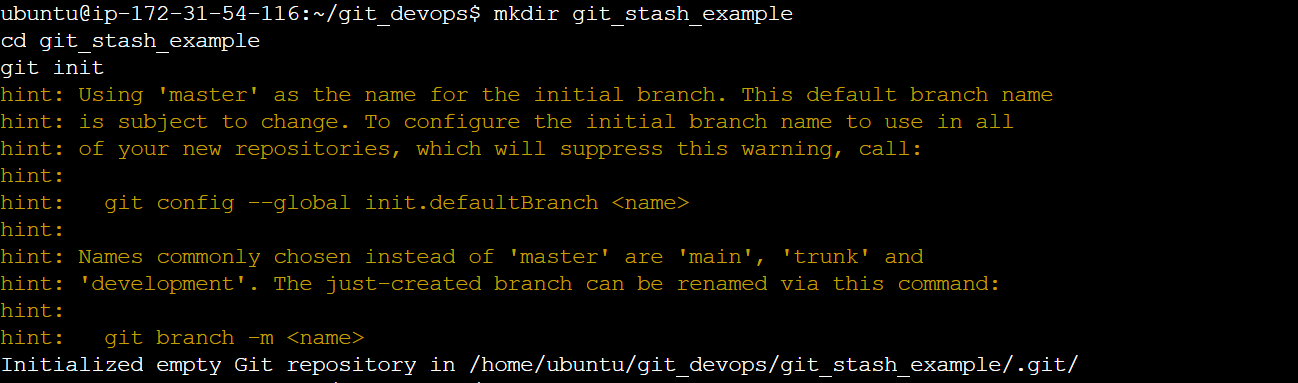
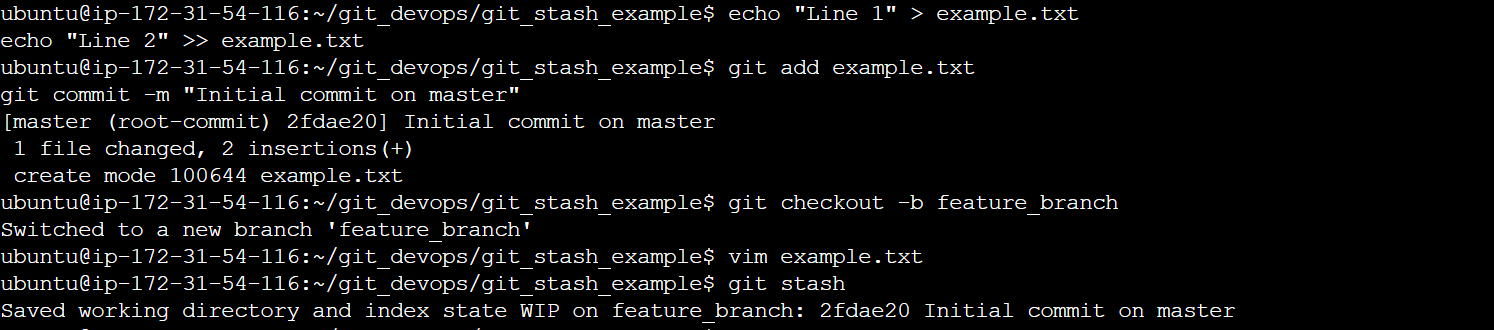
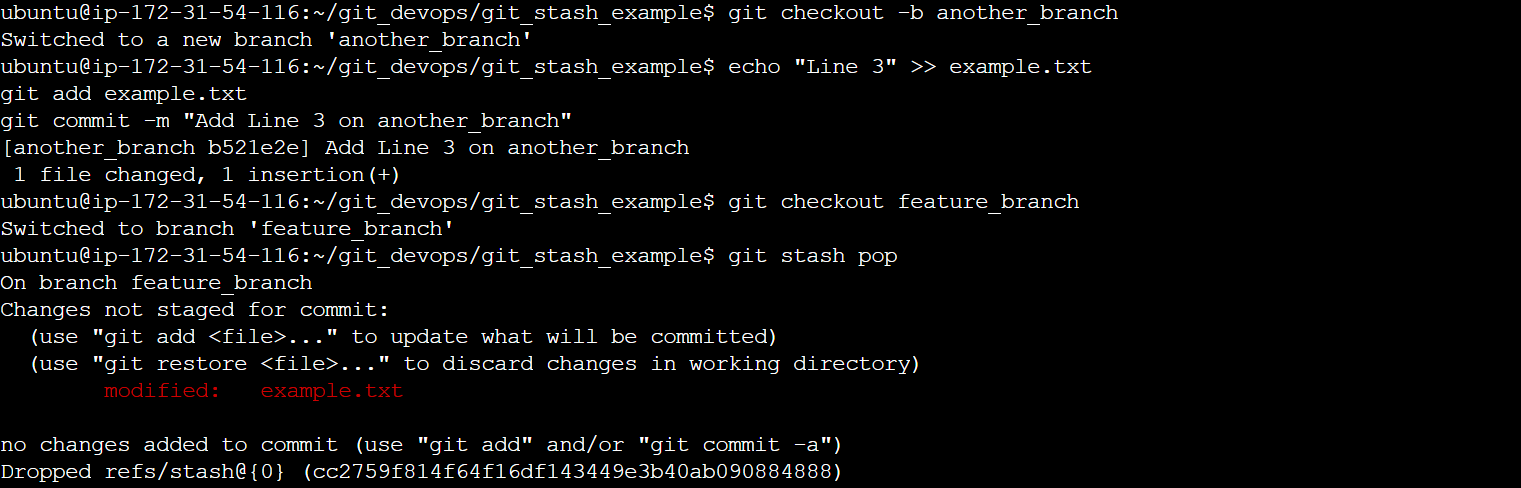



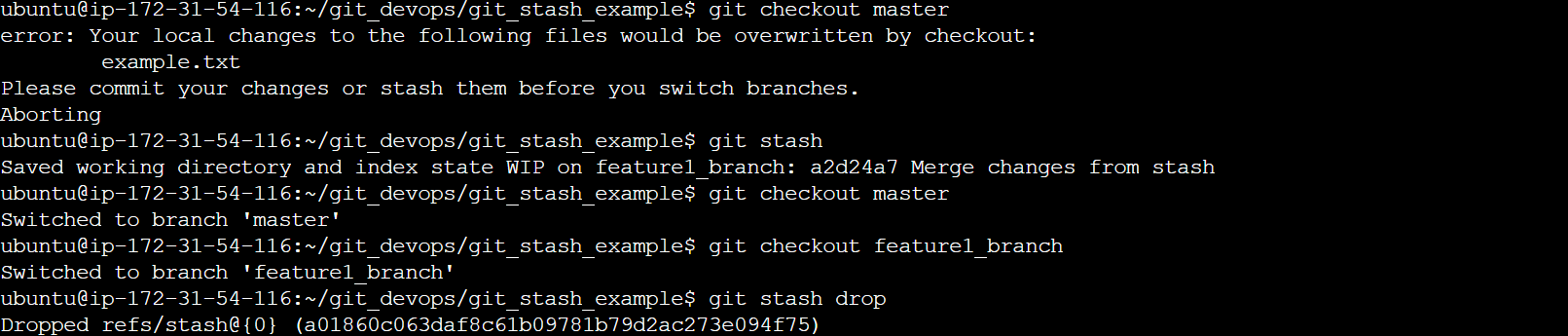
You can also use git stash drop to delete a stash and git stash clear to delete all the stashes.
Cherry-pick:
Git cherry-pick is a command that allows you to select specific commits from one branch and apply them to another. This can be useful when you want to selectively apply changes that were made in one branch to another.
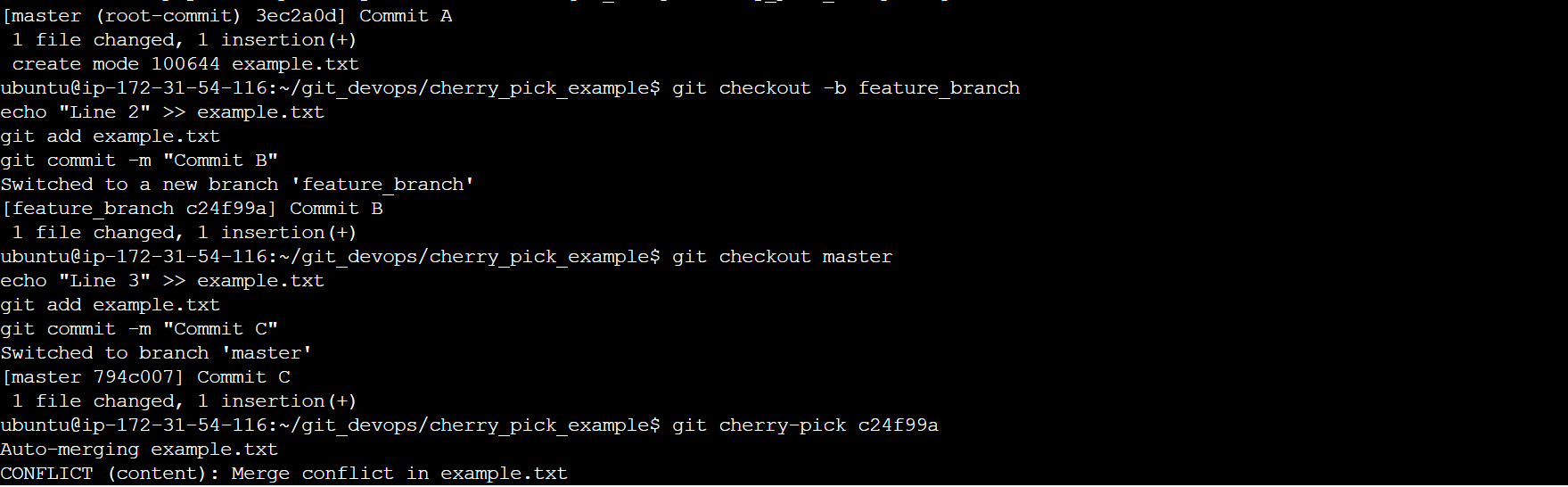
To use git cherry-pick, you first create two new branches and make some commits to them. Then you use git cherry-pick <commit_hash> command to select the specific commits from one branch and apply them to the other.


Resolving Conflicts:
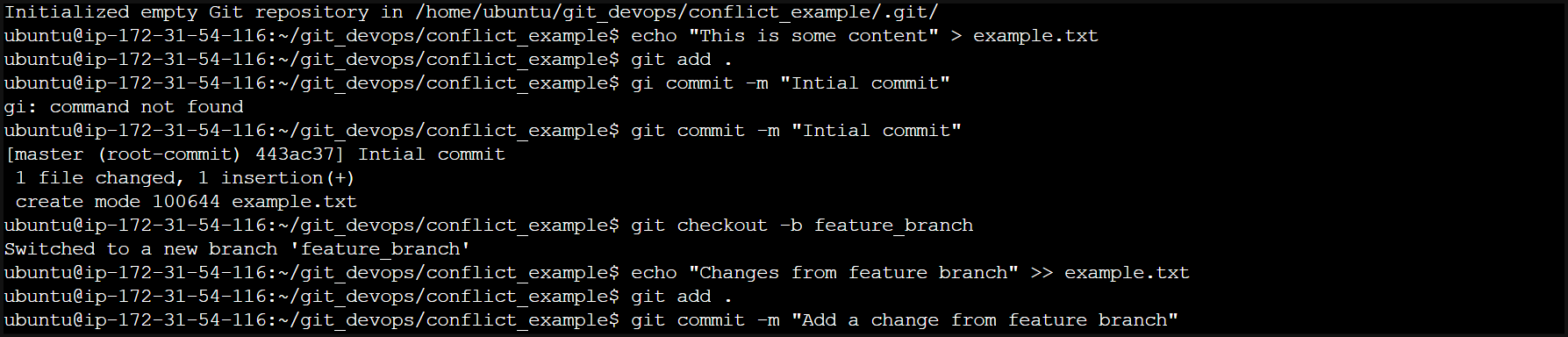
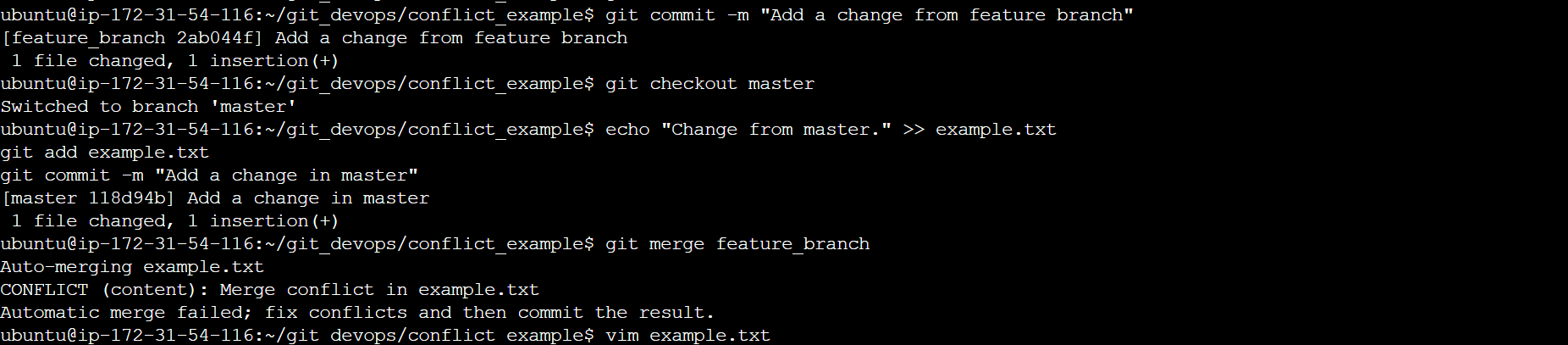
Conflicts can occur when you merge or rebase branches that have diverged, and you need to manually resolve the conflicts before git can proceed with the merge/rebase. git status command shows the files that have conflicts, git diff command shows the difference between the conflicting versions and git add command is used to add the resolved files.
Example for resolving conflicts:-