Advance Git & GitHub for DevOps Engineers: PART-01
Branches allow you to develop features, fix bugs, or safely experiment with new ideas in a contained area of your repository.
RevertThe revert command is used to create a new commit that undoes the changes introduced by a previous commit. It creates a new commit that reverses the changes from the specified commit. It is often used in the following situations: Undoing Mistakes:- If you or your teammate made a mistake and you want to revert the changes introduced by that commit without removing that commit from the commit history. Reverting Feature/Branch:- If you have a feature with multiple commits and you decide to remove or undo the entire feature, you can use revert to create a new commit that undoes all the changes introduced by that feature branch. Public Repository:- if you are working on a repository with multiple contributors or a public repository, it is generally considered best practice not to rewrite the commit history. Using "revert" allows you to safely undo the changes without affecting other contributors or users who may have already pulled the changes.
Steps to create a branch and perform revert, reset and merge functions
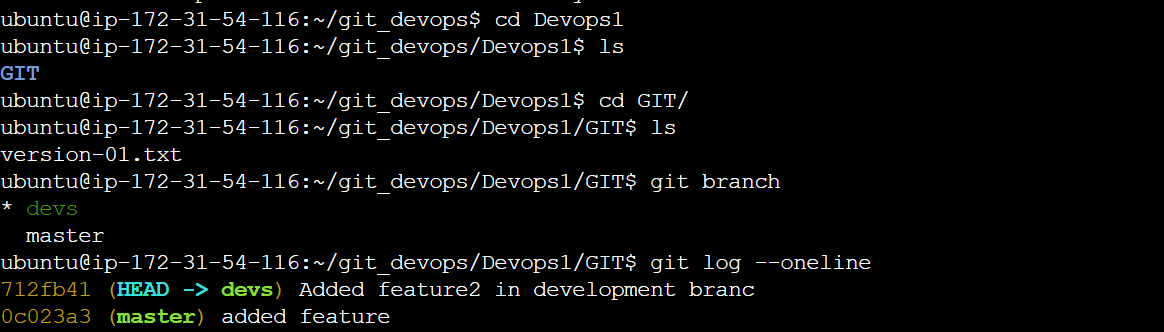
Add a text file called version01.txt inside the Devops/Git/ with “This is the first feature of our application” written inside.


This should be in a branch coming from the master

switch to the dev branch ( Make sure your commit message will reflect as "Added new feature").
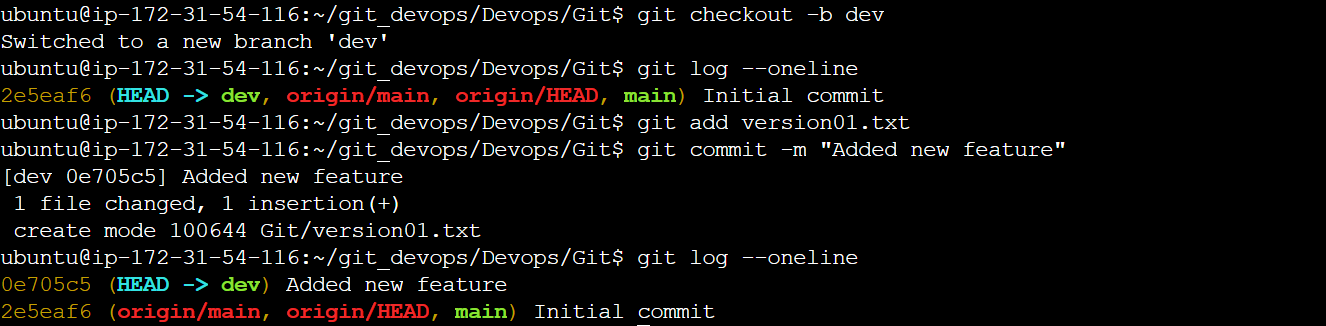
version01.txt should reflect at the local repo first followed by the Remote repo for review.
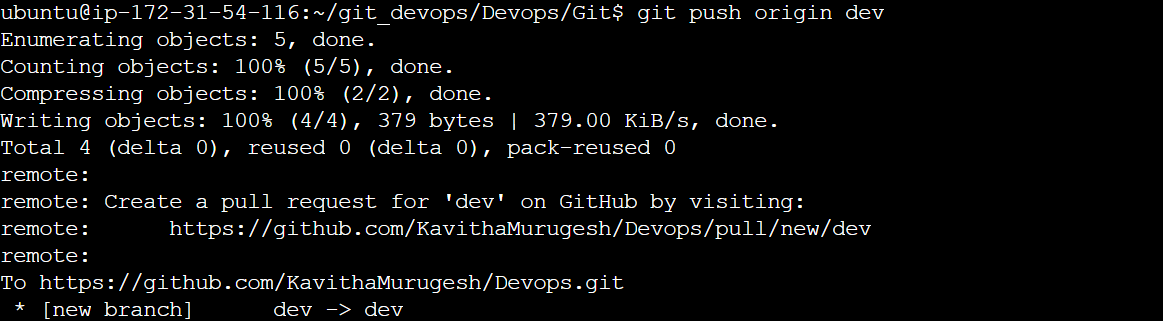
Before pushing changes:-
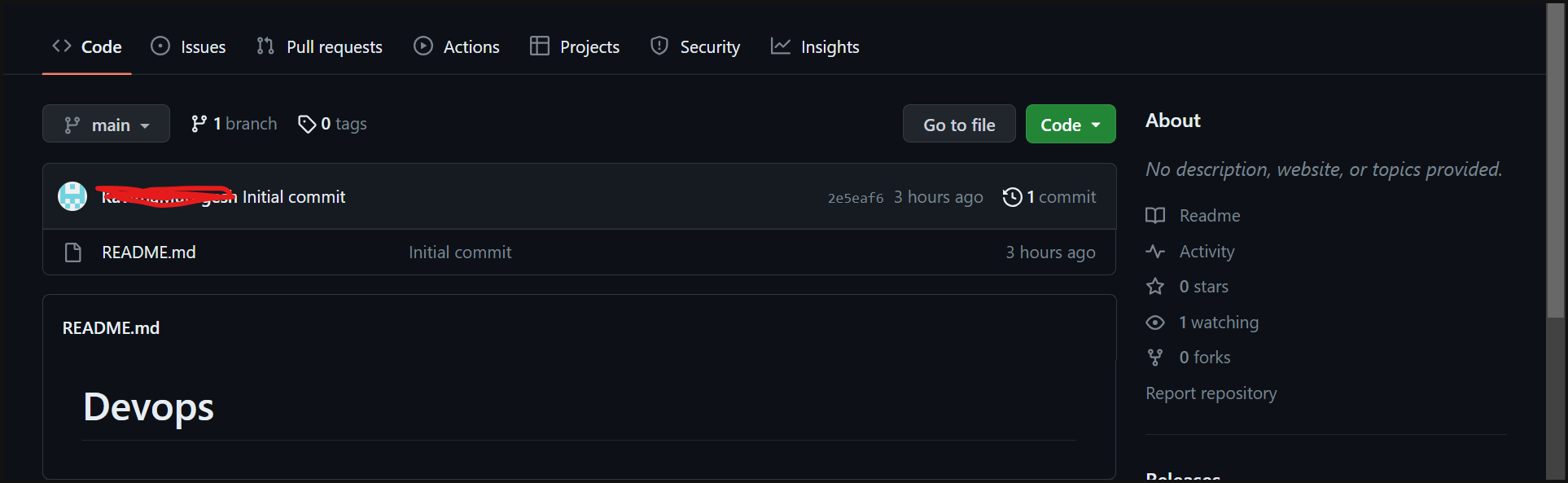
After pushing changes to the repo:-
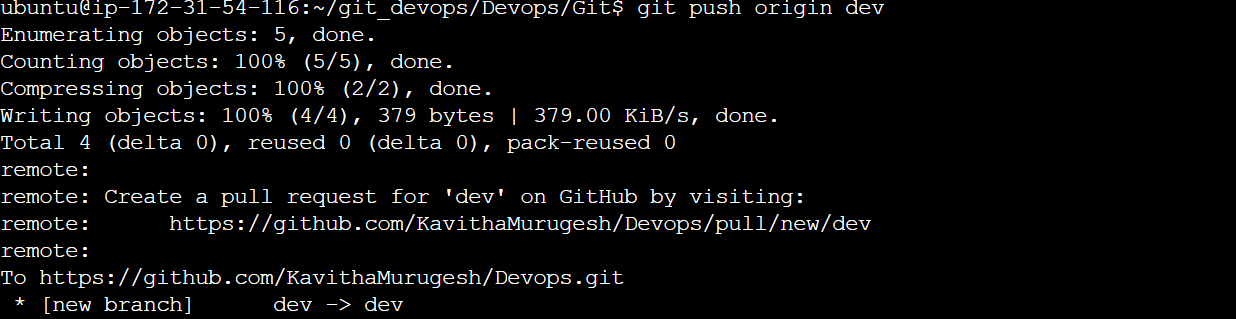

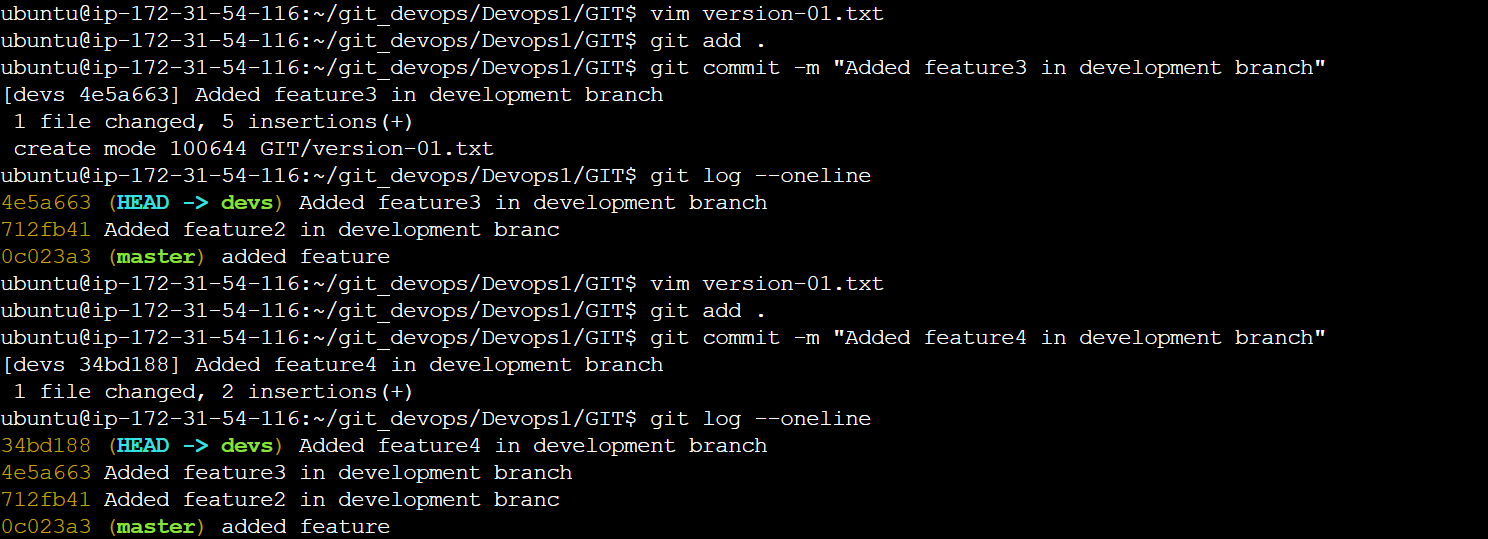
Add a new commit in the dev branch after adding the below-mentioned content in Devops/Git/version01.txt: While writing the file make sure you write these lines
1st line>> This is the bug fix in the development branchCommit this with the message “ Added feature2 in development branch”
2nd line>> This is gadbad codeCommit this with the message “ Added feature3 in the development branch"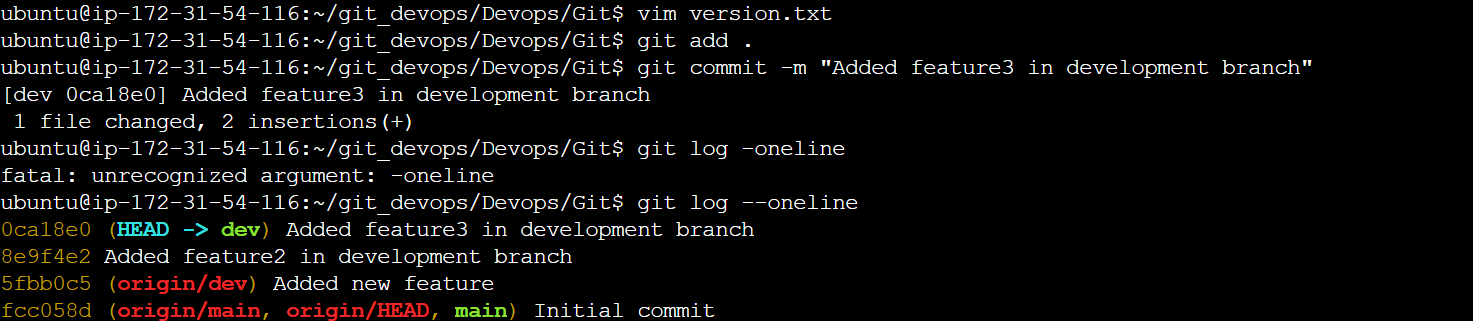
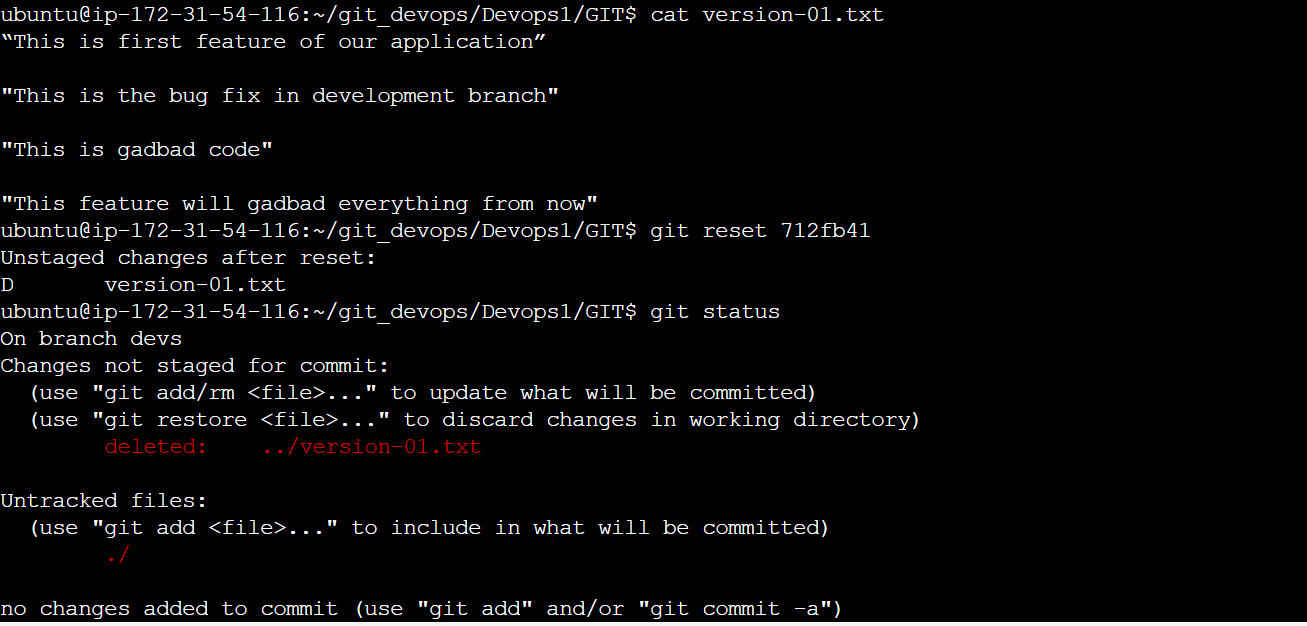
3rd line>> This feature will gadbad everything from now.Commit with the message “ Added feature4 in the development branch"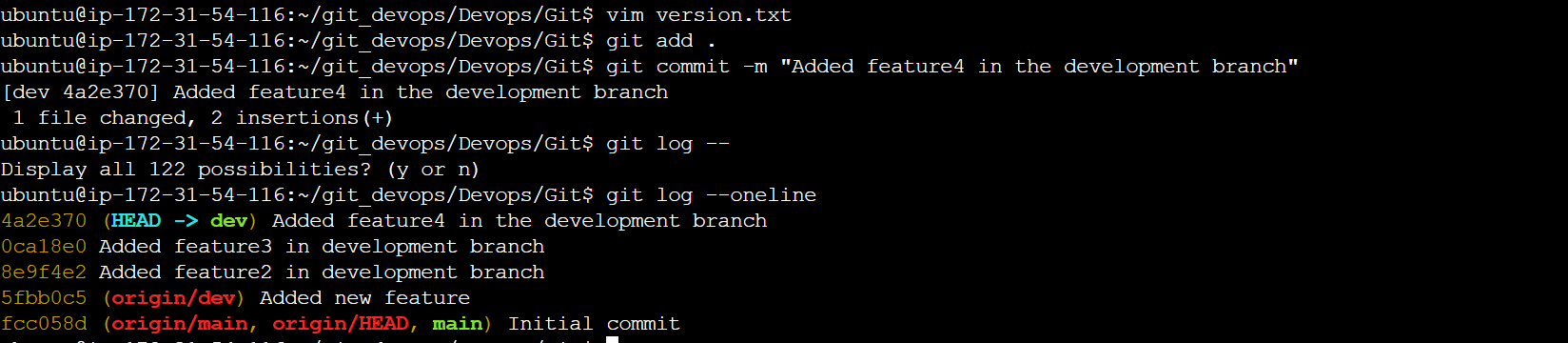
Restore the file to a previous version where the content should be “This is the bug fix in the development branch”. Here, we use to revert to restore the file.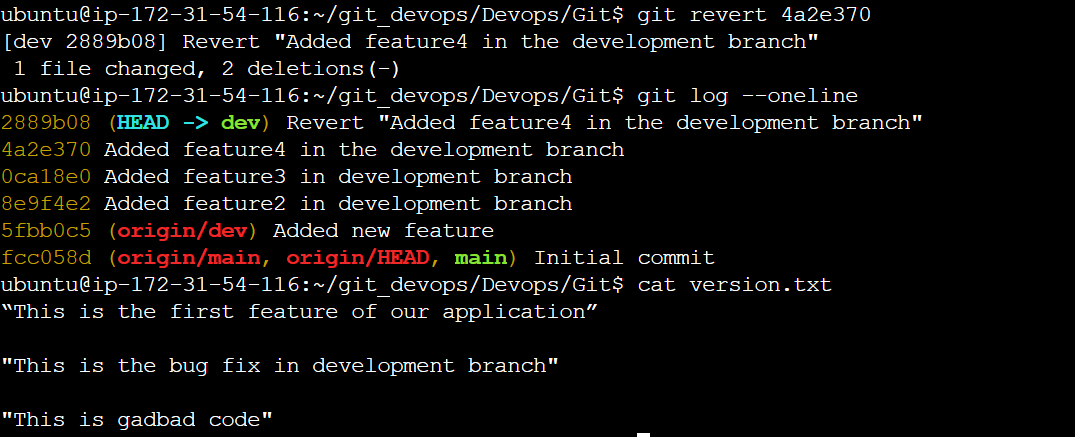

Reset
Git Resst - In Git, the Reset command allows you to move the specific branch's head to a specific commit, effectively changing the branch history and staging area without creating new commits. Syntax:- git reset <commit> <commit>: The commit you want to reset to. It can be specified as a commit hash, branch name, or a relative reference (e.g., HEAD~1 to refer to the commit before the current HEAD)


Merge
The git merge command in Git is used to integrate changes from one branch into another. It combines the changes made in one branch and applies them to another branch. The basic usage of the git merge command is as follows:
git merge <source_branch>
<source_branch>: This is the branch that contains the changes you want to merge into the current branch (often the branch you're currently on).
